
Finding dead spots and tracking faults on a touchscreen
A touchscreen fault is easy to miss. The dead spot is in a corner you rarely tap, or the screen drops a touch so briefly that you blame your own finger. This page makes faults visible. A grid lights up as you sweep across it, exposing any area that refuses to respond. A drawing canvas reveals jumpy tracking, and a counter tells you how many fingers the screen can follow at once. Everything runs in the browser. Nothing is recorded or uploaded.
What the tool tests
The page checks three aspects of a touchscreen. The coverage grid divides the screen into small squares and turns each one green when you touch it, so any dead area that will not light up becomes obvious. The drawing area lets you trace lines with your fingers to reveal jitter, jumps and lost tracking that the grid cannot show. And the multi-touch counter reports how many simultaneous touch points the screen can handle, which matters for pinch-to-zoom, gaming and music apps.
Together, these three checks cover the kinds of faults that a casual tap would never catch. A dead strip along one edge, a hairline crack that interrupts tracking in a narrow band, or a digitiser that drops from ten-point to two-point touch after a fall: all of these show up clearly here.
Who needs a touchscreen test
Anyone buying or selling a used phone should run this test. A cracked digitiser can pass a visual inspection and still have dead spots that make the phone frustrating to use. Repair shops test the screen after a replacement to make sure the new panel responds across its entire surface and tracks the right number of fingers.
People whose phone has started behaving oddly, dropping taps or registering phantom touches, can use the grid to narrow down whether the problem is hardware or software. If the grid lights up perfectly, the fault is probably in a specific app. If a section of the grid refuses to respond no matter how many times you try, the hardware has a problem.
Preparing for a reliable test
Grease and moisture on the screen cause missed touches that look exactly like hardware faults. Clean the screen with a soft cloth and dry your hands before you start. Remove any phone case, especially thick or rugged cases, because they can block the edges of the digitiser where faults are most common.
Test in two positions. First, hold the phone in your hand as you normally would. Then lay it flat on a table and sweep the grid again. Some faults only appear in one position because of how the flex cable bends. If you have a charger plugged in, try the test with the charger disconnected as well. Poor quality chargers are a genuinely common cause of erratic touch, and if the problems vanish when you unplug, replacing the charger is far cheaper than replacing the screen.
The coverage grid and how to use it
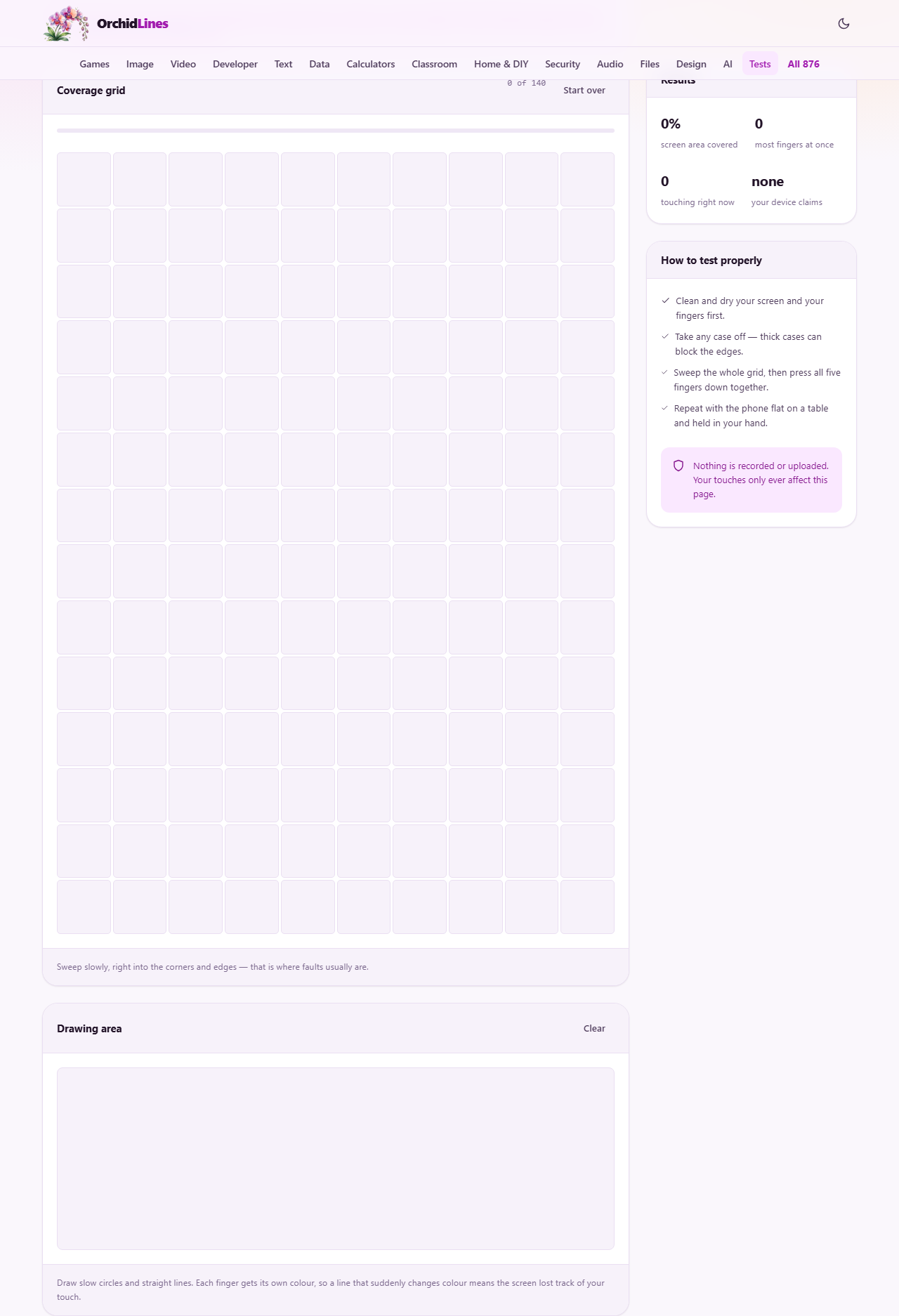
The grid is a panel labelled Coverage grid. A counter at the top right reads something like 0 of 140, telling you how many squares you have covered out of the total. A progress bar fills as you sweep. Each square turns green the moment your finger touches it. The goal is to turn every square green, especially the ones in the corners and along the edges.
Move slowly in overlapping passes. Rush through and you will skip squares, which creates false dead spots. Go right into the corners and right along the edges, because that is where drop damage shows up first. If a square stays grey after several firm attempts while its neighbours are green, that square marks a dead spot on the digitiser. The Start over button resets the grid so you can repeat the test.
The results panel
On the right side of the page, a panel labelled Results shows four numbers. The screen area covered figure is a percentage that climbs as you sweep the grid. The most fingers at once figure records the highest number of simultaneous touch points the page has detected during your session. The touching right now figure shows how many fingers are on the screen at this moment. And your device claims shows the maximum touch point count the hardware reports it can handle.
Most modern phones claim ten touch points. If the most-fingers-at-once count stops well below the claimed figure while you have more fingers on the screen, the digitiser has a multi-touch problem. Keep in mind that a mouse pointer always counts as one regardless of the hardware, so this test is only meaningful on an actual touchscreen.
The drawing area and colour tracking
Below the grid, a canvas labelled Drawing area lets you draw with your fingers. Each finger gets its own colour, so you can see at a glance how many touches the screen is tracking. Draw slow circles and straight lines. A smooth, steady line means the tracking is healthy. Sudden jumps, gaps, or a line that changes colour mid-stroke point to a real fault.
The colour change is the key signal. A working touchscreen assigns each finger an identity and keeps it for the whole time that finger stays on the glass. When the digitiser struggles, it drops the touch and picks it up as a new one. The stroke changes colour at that point. If your lines keep switching colours while your finger never left the screen, the digitiser is losing track, and that is a genuine hardware problem. The Clear button wipes the canvas so you can draw fresh.
A full walkthrough
Clean and dry your screen and your hands. Open the page on the phone you want to test. Starting from the top-left corner, sweep your finger slowly across each row of the grid, moving down one row at a time. Go all the way to the edges. Watch the counter climb toward the total. When you reach the bottom, check for any grey squares and tap each one individually a few times.
Next, press all five fingers down on the screen at once. Check the results panel. The most fingers at once figure should read five. If you can manage more fingers, try that too, and compare with what your device claims. After that, move to the drawing area. Draw a slow circle with one finger, then draw two parallel lines with two fingers. Look for smooth, steady strokes with consistent colours. Finally, hit Start over and repeat the grid test with the phone flat on a table. If everything passes in both positions, the touchscreen is healthy.
Common problems and what to do about them
A single dead square that will not light up in the same spot every time is a genuine dead spot. The digitiser layer is damaged in that area and the screen assembly needs replacing. Before booking a repair, rule out two cheaper causes first: peel off any screen protector and test again, because a protector with a trapped bubble can kill sensitivity in patches, and disconnect any charger, because electrical noise from a cheap charger can block touch in certain areas.
- A whole strip of dead squares along one edge usually means a cracked digitiser or a loose flex cable. This is common after a drop.
- Random phantom touches, where squares light up without you pressing anything, point to a damaged screen or moisture under the glass.
- The multi-touch count is lower than claimed. Try with the phone unplugged and the case removed. If it is still low, the digitiser has a fault.
- Lines in the drawing area are wobbly. A small amount of jitter is normal. Large jumps or gaps are not.
Privacy and what happens to your touches
Your touches only ever affect this page. They are not recorded, logged, or sent anywhere. There is no account, no sign-up, and no server communication during the test. The page works entirely inside the browser, and closing the tab ends everything. The touch data is used solely to light up the grid, draw on the canvas, and count your fingers.
Because no data leaves the device, you can safely use this page to test a phone before buying it from a stranger. There is nothing to clean up afterwards and no trace left on the device.
When a different tool is the better choice
This page tests the touch input layer. If you want to check the display itself, the screen info page reports resolution, pixel density and refresh rate. If the question is about audio rather than touch, the speaker test checks left and right channels and sweeps the frequency range. The sensor test covers the accelerometer, gyroscope and compass.
For diagnosing software-level touch issues in a specific app, a restart often clears the problem. If the grid on this page responds perfectly but one app refuses to register taps, the fault is in that app, not in the hardware. This page exists to answer the hardware question quickly and honestly.