
Counting letters to spot a hidden code
Letters are not evenly used. In English the letter e is everywhere and z is rare. That pattern is a fingerprint. This page counts your letters, lines them up against normal English, and works out two numbers that tell you what kind of text you are holding. It is a favourite of puzzle solvers, escape-room fans, students and anyone who has ever met a coded message and wanted a first clue. Here is what each number means and how to read the chart.
Why letter counts matter
Take any long piece of plain English. Count the letters. The letter e will win by a mile. Then t, then a, o, i and n. This order barely changes from one text to the next. It is one of the most stable things about the language.
A secret code often keeps that pattern without meaning to. Swap every e for a q and the q is now the most common letter, but it is still just as common as e used to be. The shape is the same, only the labels moved. This page finds that shape, so you can tell a real message from a coded one at a glance.
What to paste, and how much
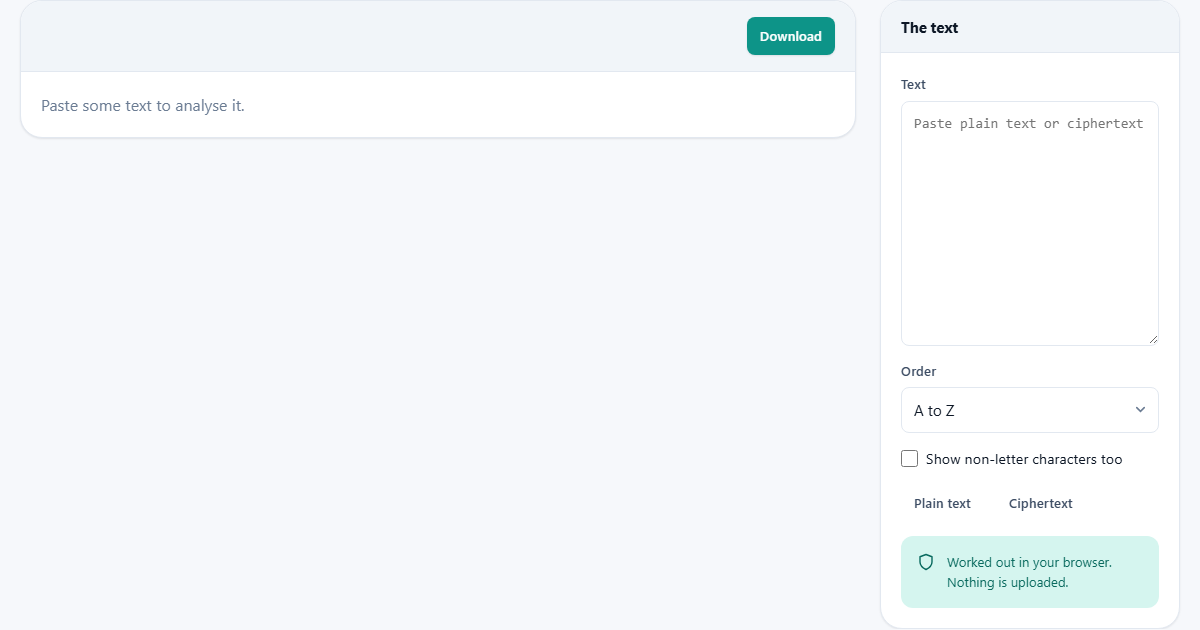
There is one box, on the right, labelled Text. Paste plain writing or a coded message into it. The counting starts on its own after a short pause, so you do not press anything to run it.
Length matters here more than usual. The key number needs a good sample. Aim for two hundred letters or more. Below one hundred, chance takes over and the reading cannot be trusted. Two quick buttons help you see this in action. Plain text drops in a normal English passage. Ciphertext drops in that same passage with its letters shifted, so you can compare the two side by side.
Case does not matter, and neither do spaces or marks. The letter count folds capitals and small letters together, so A and a are the same to it. Everything that is not a letter is set aside for the main count. That means you can paste a message just as you found it, with all its punctuation, and the reading stays clean.
The two small settings
Under the box are two choices. Order sets how the letters are listed. A to Z keeps the normal alphabet order, which is best for comparing against English letter by letter. Most frequent first sorts by how often each letter turns up in your text, which puts the winners at the top.
The tick box, Show non-letter characters too, adds a second list. It counts the spaces, digits, commas and every other mark that is not a letter. This is handy when the spacing itself is the clue, or when you just want to know how many full stops a document has. Leave it off and only the twenty-six letters are shown.
The three numbers at the top
Once you paste something, three figures appear. The first is simply the count of letters. The more you feed it, the safer the rest.
The second is the index of coincidence, shown to four places. Think of it as the chance that two letters, grabbed at random, turn out to be the same letter. English scores about 0.067. Fully random text scores about 0.038. That gap is the whole trick, and the tool leans on it. The third number is the chi-squared score. In plain words, it measures how far your letter mix sits from the English mix. A low score means your letters land close to normal. A high score means they do not.
Reading the verdict
Below the numbers is a short sentence that reads them for you. It weighs the two scores together and tells you what they suggest. You do not have to know the theory to use it.
The logic runs like this. A high index, near English, with a low chi-squared score, points to plain text, or to the same letters simply shuffled. A high index with a high chi-squared score is the classic sign of a swap code: the letters were renamed, but their pattern of repeats is untouched. An index down near random points instead to a keyword code, or to squeezed or scrambled data where no simple pattern survives. And a score that sits in the middle hints at a short keyword, or a mix of languages.
The chart of bars
Under the verdict is a row for each letter. Every row has a filled bar and a small marker. The filled bar shows how common that letter is in your text. The marker shows how common it should be in English.
So the reading is visual. When a bar reaches its own marker, that letter behaves normally. When a bar towers over a marker that sits far to the left, that letter is doing a job it should not. A number beside each bar gives the exact share for your text, and the English figure sits next to it for comparison. A short key under the chart reminds you which is which.
Watching a code reveal itself
Try it in two clicks. Press Plain text first. A passage of normal English loads. The index sits near 0.067, the chi-squared score is low, and the verdict calls it plain text. Look at the chart: the tall bars are on e and t, and each one lines up close to its marker. Everything agrees.
Now press Ciphertext. The very same passage loads, but every letter has been shifted along the alphabet. Watch the numbers. The index barely moves, because shifting the letters did not change how often they repeat. The chi-squared score, though, shoots up. And the tallest bar has jumped off e onto a different letter, standing nowhere near its marker. The verdict now reads swap code. In two clicks you have seen why one number gives a coded message away.
Three shapes worth knowing
Most coded messages you meet fall into one of three shapes, and the two scores sort them apart. Knowing which shape you have tells you what to try next, so it is worth learning to read them.
The first shape is a swap code. Each letter is traded for another, but the trade never changes. Here the index stays near English while the chi-squared score runs high. The cure is letter counting itself: the tall bar is almost always the letter that now stands for e. The second shape is a shuffle code, where the real letters are all present but their order is jumbled. Both scores then look like plain English, because a jumble does not touch how often letters appear. The third shape is a keyword code, where the swap changes as it moves along the text. That flattens the counts, so the index drops toward random and no single letter stands out. Same tool, three readings, three different next steps.
What can throw the reading off
The English figures are an average of ordinary writing. Real text wanders from the average. A technical manual, a poem, a page of dialogue or a passage in another language will all skew the counts, and the verdict may hedge or mislead. Treat it as a strong hint, never as proof.
The other common trap is too little text. A single sentence can score almost anything by luck. If the letter count is low, the tool says so plainly and asks for more. The fix is always the same: paste a longer sample. And do not be surprised when e is not your top letter in a short quote. That is exactly why the whole spread of letters counts for more than the single winner.
Where this stops and another tool starts
This page is a scout, not a soldier. It tells you what you are up against and hands you the frequencies to work from. It does not turn a coded message back into words. That last step belongs elsewhere.
If you already know the method and want to encode or decode, the cipher tool on this site does that job. A good workflow is to come here first to identify the code, then move there to crack it. If instead you only want plain totals, such as how many words or characters a document holds, a counter is the simpler choice. This page earns its place the moment a message looks scrambled and you need to know why.
Saving the result and keeping it private
A Download button sits at the top of the sheet. It saves everything on screen as a plain text file named frequency.txt, so you can keep a record or paste the figures into your notes. The summary line up in the heading also gives you the letter count and the index at a glance.
All of the counting happens inside this browser tab. Your text is read and measured on your own device, and none of it is sent to a server or saved anywhere but here. That matters for a puzzle you would rather not spoil, and it matters far more for any real message you would rather nobody else could see.