
Understanding correlation and regression with a scatter plot
Correlation measures how tightly two sets of numbers move together, and regression draws the straight line that fits them best. This article explains what the calculator shows, why two kinds of correlation are better than one, and how to spot the traps that turn a number into a lie.
What the numbers actually mean
You paste two columns of data, one pair per line. The calculator reads them, works out the relationship between the two, and draws the scatter plot with the line of best fit drawn through it. The line is chosen so the total distance between every point and the line is as small as possible. That method is called least-squares regression, and it is the standard approach in every statistics course for good reason: it is simple, fast, and well understood.
The number that matters most is r, the Pearson correlation. It runs from minus one to plus one. Plus one means the points sit on a perfect rising straight line. Minus one means they sit on a perfect falling one. Zero means there is no straight-line pattern at all. Most real data sits somewhere in between, and learning to read where it sits is more useful than memorizing the formula behind it.
The other headline figure is R squared. It tells you what share of the movement in your second column is explained by the straight line. An R squared of 0.81 means the line accounts for eighty-one per cent of the variation. The rest is noise, or a pattern the line cannot capture.
Why Pearson is not enough on its own
Pearson only sees straight lines. If your data follows a rising curve, the relationship is real and strong, but Pearson gives a number well below one because the curve bends away from a straight line. That is not a subtle error. It leads people to report weak correlation for data that has an obvious pattern anyone could see by eye.
The calculator guards against this by showing the Spearman rank correlation alongside Pearson. Spearman does not care whether the relationship is straight. It sorts both columns by rank and correlates the ranks instead. If the relationship rises steadily the whole way, even along a curve, Spearman hits one.
When there is a large gap between the two numbers, the calculator shows a warning. A high Spearman with a low Pearson is the fingerprint of a strong but curved relationship, and it means the straight regression line drawn on the chart will fit badly.
The parabola trap and why the scatter matters
Spearman is not a cure for everything. It catches relationships that only rise or only fall, called monotonic relationships. A symmetric parabola defeats both measures. Take the numbers minus four through four and square them: both Pearson and Spearman read zero, because for every rising part on the right there is a matching fall on the left.
Press the Parabola button in the calculator and watch it happen. A clear pattern sits in the scatter, but both correlation numbers say there is nothing there. That is why the scatter plot exists on this page. Summary statistics can be identical for datasets that look nothing alike, and the only safe check is to look at the picture.
This idea has a famous name: Anscombe's quartet. Four datasets share the same mean, variance, correlation and regression line, yet they look completely different when drawn. The calculator draws the scatter to stop you from falling into that trap.
When one point does all the work
A single outlier can drag Pearson from near zero to near one in a small sample. Ten points clustered together with no pattern, plus one stray point far away, can produce a correlation of 0.8 that means nothing at all.
The calculator tests for this. It removes each point in turn, recalculates r without it, and checks how much the answer moved. If any single point changes r by more than 0.2, a warning appears telling you which row is doing the work and by how much.
That warning does not mean the point is wrong. It means the correlation is fragile and depends heavily on one observation. If that observation is real and well measured, fine. If it is a typo or an unusual case, the rest of your data may tell a different story entirely.
Reading the output table
The results table shows several rows. Pearson r appears first with a plain-language label: negligible, weak, moderate, strong or very strong. These labels are rough guides, not rules. In physics a correlation of 0.5 would be alarming. In psychology it might be a triumph.
Spearman rank r sits below it. The line of best fit is printed as an equation, y equals something times x plus or minus a constant. The slope tells you how much y changes for each unit of x, and the calculator shows the standard error of the slope beside it so you can judge how uncertain that number is.
The residual standard error tells you how far a typical point sits from the line, in the same units as your y column. It is the rough size of the scatter around the fit. Smaller is better, but what counts as small depends entirely on what you are measuring.
Getting the most from the sample buttons
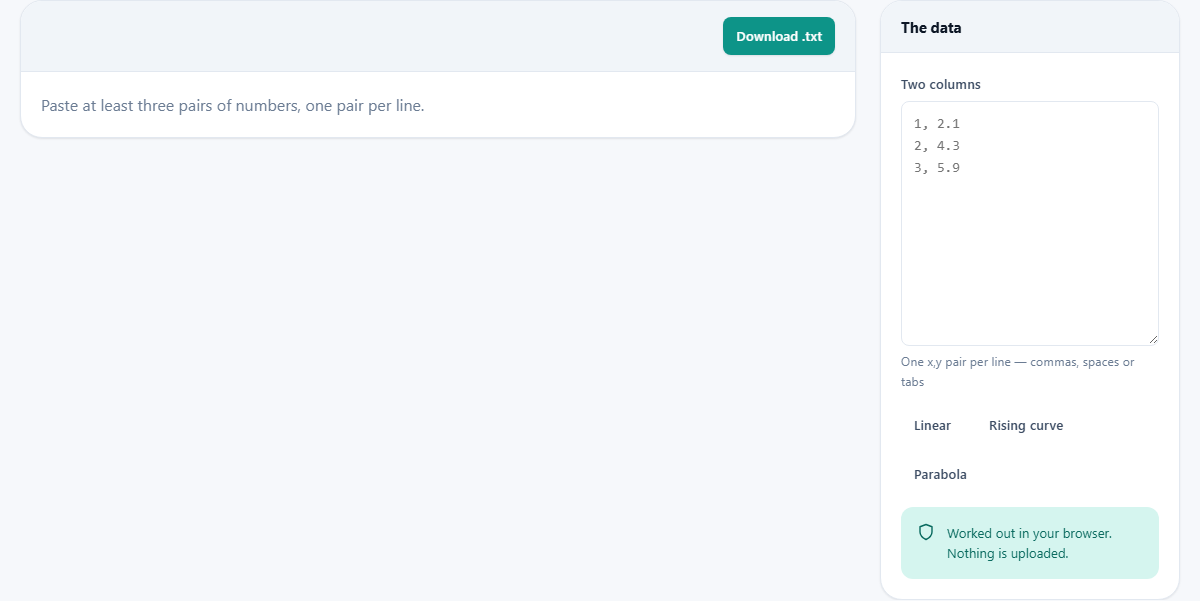
Three buttons sit under the data box. Linear loads eight points that sit close to a straight line. Both correlations are high and close to each other, the line fits well, and R squared is large. This is the ideal case, the one where the summary statistics tell the whole story.
Rising curve loads an exponential sequence. The numbers only go up, and they go up fast. Spearman reads exactly one, because the ranks are in perfect order. Pearson reads noticeably lower, because the curve bends away from a straight line. The gap between the two triggers the warning about a curved relationship.
Parabola loads a symmetric arch. Both measures read zero, because the rise on one side cancels the fall on the other. The scatter plot makes the pattern obvious. These three examples cover the three most common ways that correlation numbers mislead, and spending a minute with each one teaches more than a chapter on the formulas.
Practical advice for real data
Start with twenty or more points if you can. Correlations from fewer than about twenty observations are very unstable, and a single unusual value can swing the answer wildly. Three points is the absolute minimum the calculator will accept, and it does so reluctantly.
Separate your columns with commas, spaces or tabs. Pasting from a spreadsheet usually gives tabs, which the parser handles without trouble. One pair per line, nothing else on the line.
Look at the scatter before you trust the numbers. If the dots show a curve, a cluster, or an obvious outlier, the summary numbers may be hiding something. The plot is not decoration. It is the most important part of the output.
How many points you need and why
The calculator accepts as few as three pairs, but correlations from small samples are dangerously unstable. With five points a single outlier can dominate the result. With ten you start to see a real pattern, but confidence intervals are still wide. Twenty points is the rough threshold where a moderate correlation starts to mean something you can act on.
More data also makes the influence check more meaningful. When the calculator removes each point in turn and recalculates, a large dataset absorbs the loss of one point without flinching. A small one can swing wildly. If the single-point influence warning appears on a dataset with fewer than ten observations, treat the entire result as tentative until you have gathered more.
Downloading and privacy
The Download .txt button saves a short summary and your data as a plain text file. The summary is the one line printed above the table: the number of points, Pearson's r and the R squared percentage. Under it sits the raw data exactly as you pasted it. The Spearman figure, the regression equation and the standard errors are not written to the file, so copy those out of the table by hand if a report needs them.
Every calculation runs inside your own browser. The data you paste is never sent to any server. There is no account to sign into and nobody at the other end who could look at your numbers. Close the tab and the data is gone. If you are working with sensitive data, that privacy guarantee matters, and it holds because no network request is made at any point during the calculation.